
01Benefits
Full Overview
Always know what's in stock and what's running low, reducing shortages and waste.
Stock, supplier, and asset tracking for hotels and restaurantsFrom as little as 19,990 HUF a month
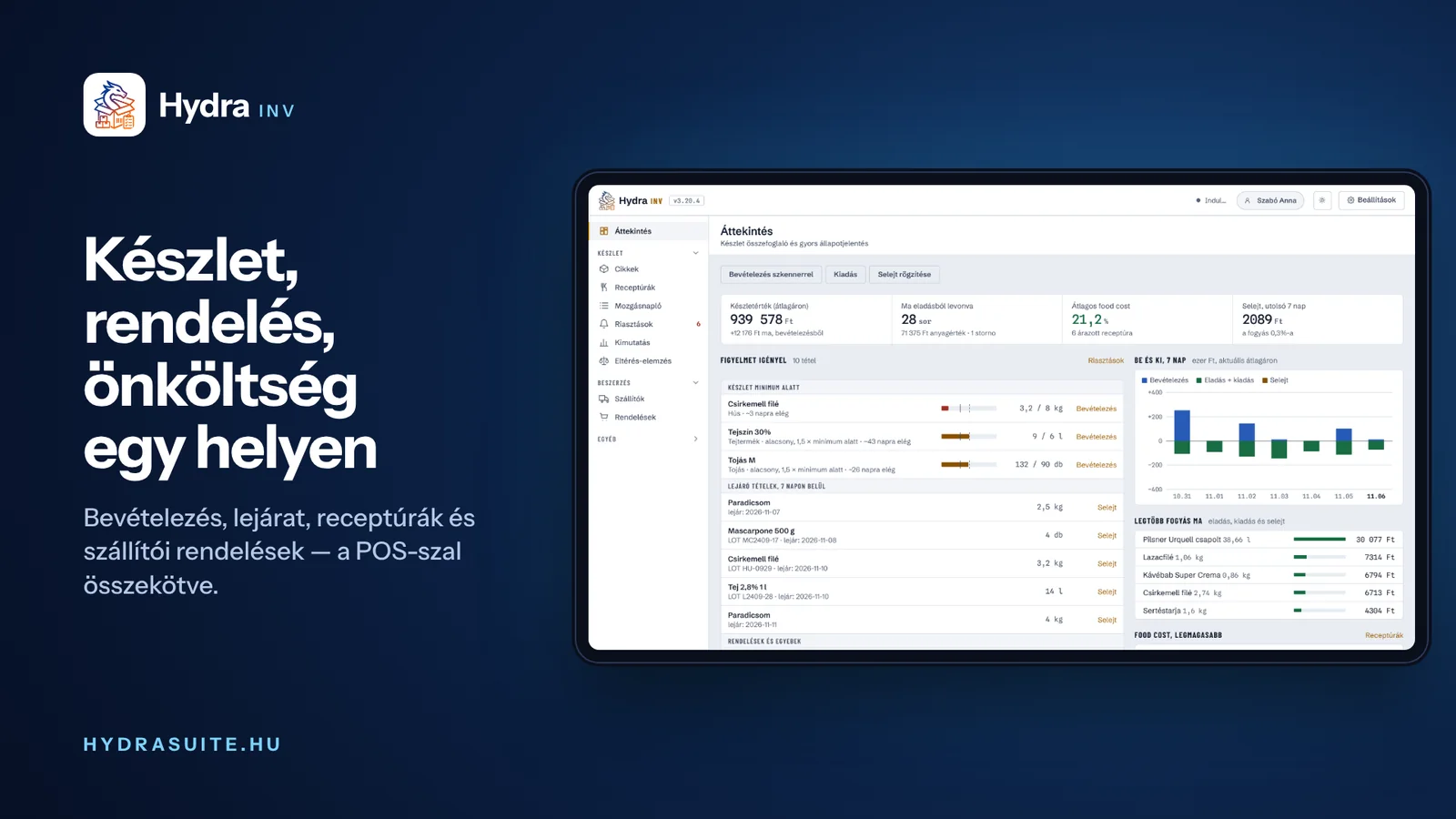
Features
Four examples of what Hydra INV does. The full list of 37 features is one click away.
Live stock levels for every item with FIFO batch tracking and automatic low-stock alerts.
Define food and beverage recipes and calculate the exact cost per portion from current ingredient prices.
Scan with a camera, a WiFi/Bluetooth scanner, or a phone — plus a dedicated tablet receiving mode.
Hydra POS and Hydra PMS push sales and minibar charges straight into INV — stock deducts itself by recipe.
Full feature list
37featuresin 8 topics
What's different about the Hydra approach? Built for the real problems of Hungarian hospitality.
Always know what's in stock and what's running low, reducing shortages and waste.
Email notifications for low stock levels and approaching expiry dates.
Recipe-based calculations help determine precise food and beverage costs.
The moment an item drops below its minimum, that warning appears directly on the POS terminal — staff see it without switching screens.
The Hydra INV mobile app shows the live stock on the owner's or the chef's phone: what is running low, what is about to expire, what the stockroom is worth — for any venue, from outside the network too.
If the app says no stock data has arrived yet, the desktop Hydra INV has not uploaded anything: start it and wait a minute.
Open the mobile appStock, supplier, and asset tracking for hotels and restaurants
Contact
Straight from the developers, in business hours


